
Guide
How JK7 Talents works
Your free profile in about 10 minutes, on your phone or computer. Here's every screen, what to do on it, and a few tips.
www.jk7talents.com/apply
- Sign in
- About you
- What you do
- Photos & video
- Bio & rates
- Submit
- Get verified
- After you submit
- Get the app
- Questions
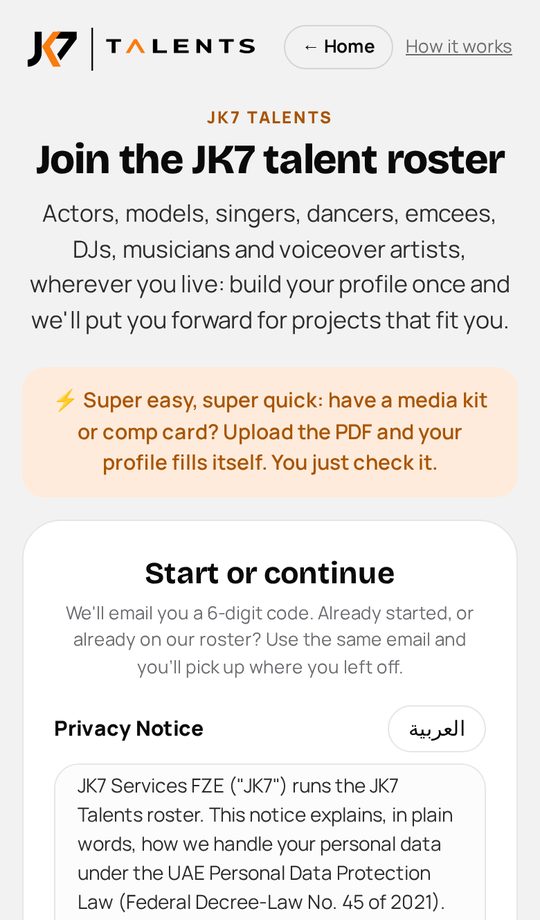
Step 1
Open the sign-up page
- Go to www.jk7talents.com/apply on your phone or computer.
- Tick the Privacy Notice, type your email and tap Continue. No password needed.
- We email you a 6-digit code. Type it on the next screen. Already started? Use the same email and you carry on where you left off.
The code can land in Promotions or Spam. Search your inbox for "JK7 Talents code".
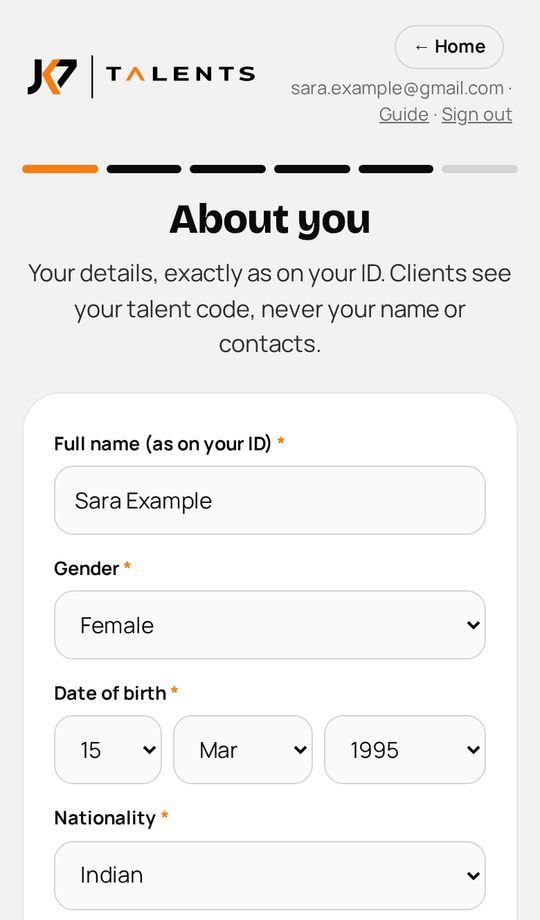
Step 2
About you
- Your name, date of birth, nationality and the country and city you live in.
- Up to 5 languages, your mobile and your Instagram.
- One question: can you legally work in the UAE? "Not yet" is fine.
Clients never see your name or contacts. JK7 shows you by talent code only.
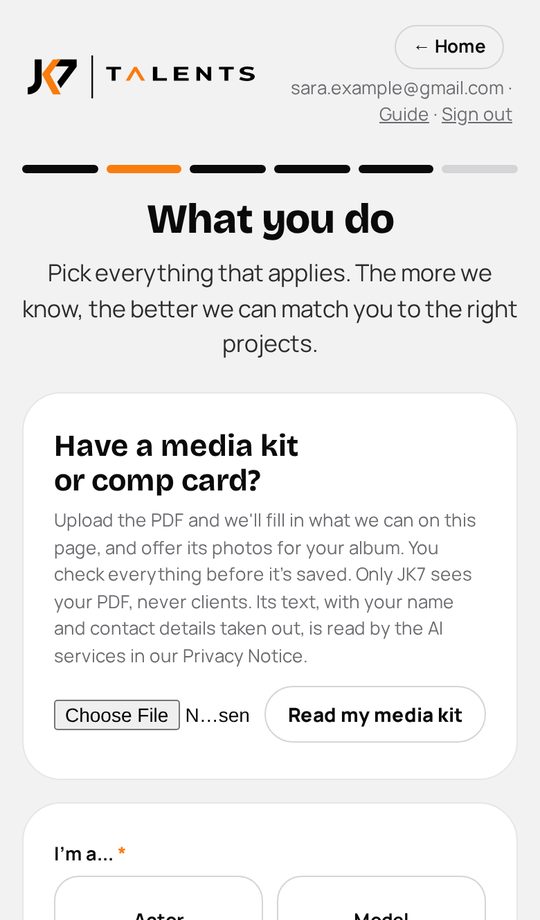
Step 3
What you do
- Pick what you do: actor, model, host, voiceover, singer and more. Choose your main skill.
- Answer the few questions for each skill (events you host, languages you act in, and so on).
- Have a media kit or comp card? Upload the PDF and we fill in what we can. You check it before it is saved.
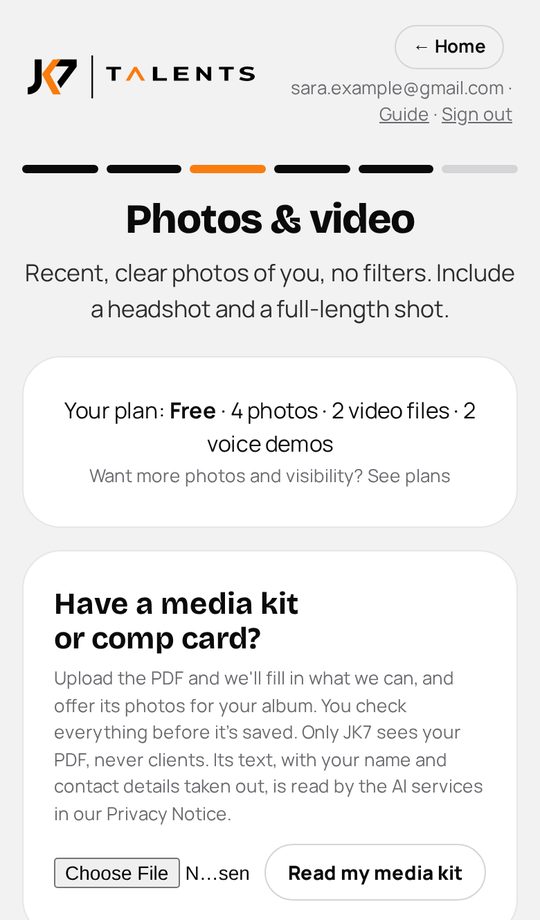
Step 4
Photos & video
- At least 2 recent, clear photos: a headshot and a full-length shot. Drag them to set the order.
- Showreels, intro videos and voice demos are welcome but optional for now: add them later, also after approval.
- No names, @handles, phone numbers or logos in photos or videos: JK7 shows you by code only.
Photos with visible text are held for a quick JK7 check before clients see them.
Step 5
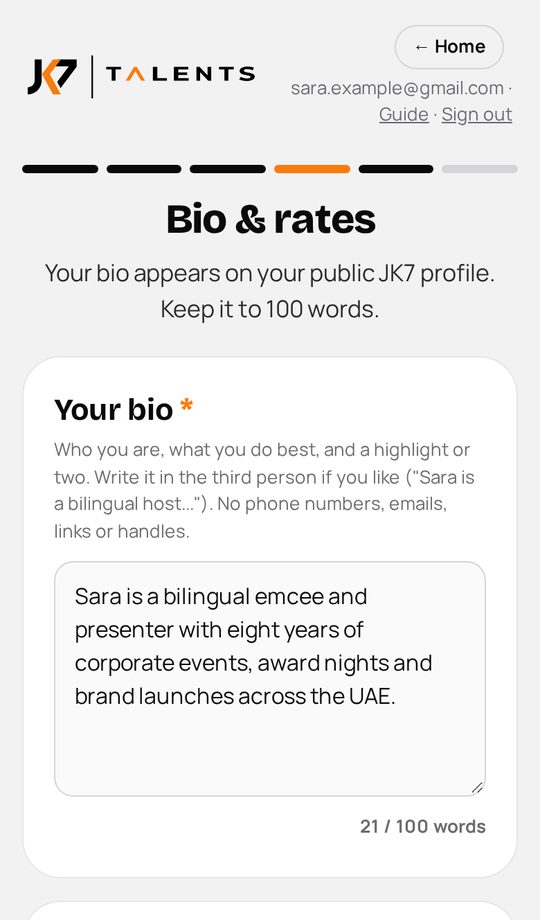
Bio & rates
- A short bio in your own words (up to 100 words). There is an AI helper if you want a first draft.
- Choose how you like to work and your minimum B2B rate, or tick "open to each project's budget".
- Rates are private. Clients never see them.
Step 6
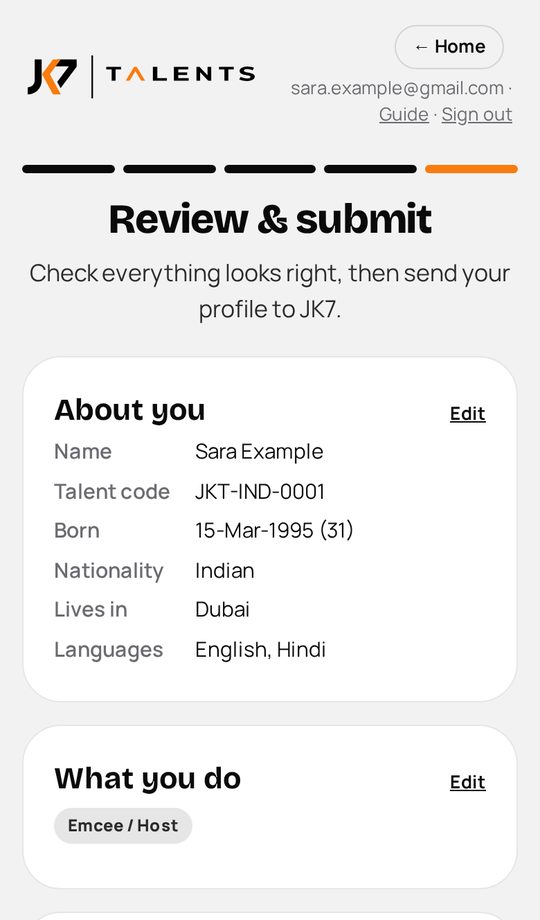
Check and submit
- See everything on one page and edit any part.
- Tick the box and tap Submit my profile. Your profile goes to JK7 for review.
- No ID and no agreement needed to join.
Step 7
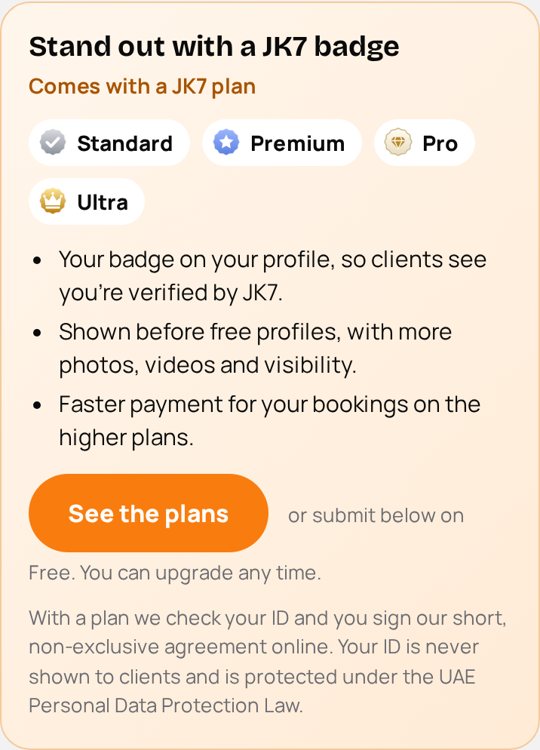
Get the JK7 Verified badge (optional)
- Want the orange JK7 Verified tick? Tap Get verified, before or after you submit.
- Upload a valid ID (Emirates ID, or a passport or national ID if you live outside the UAE), then sign JK7's short non-exclusive agreement online. About 3 minutes.
- Verified profiles are shown to clients before unverified ones, and can upgrade to Standard (grey badge), Premium (blue badge), or Pro and Max (gold badge) for more photos, videos, visibility and faster payment.
- Your ID is never shown to clients and is handled under the UAE Personal Data Protection Law.
You stay free to work with anyone: the agreement is non-exclusive.
Step 8
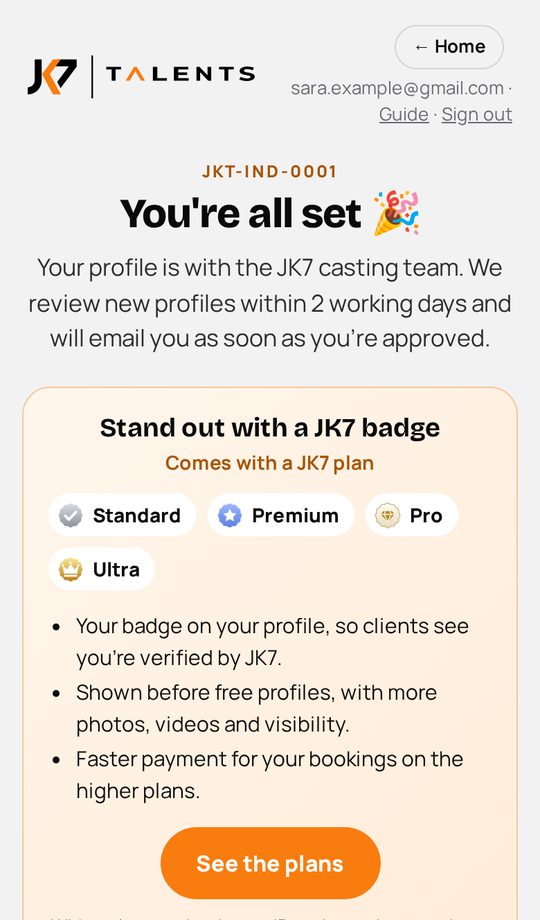
After you submit
- JK7 reviews your profile within 2 working days. If something needs a change, we email you a link straight to it.
- Once approved you get a welcome email with your talent code, your profile link and QR code.
- Sign in any time at www.jk7talents.com to update photos, videos and details, or to get verified.
Questions? Email [email protected] or WhatsApp +971 58 289 0020 with your talent code.
Get the JK7 Talents app

Add JK7 Talents to your home screen or dock. It opens full screen like an app, nothing to download from a store. Added it before? Remove it and add it again to get the new icon.
- Open www.jk7talents.com in Safari.
- Tap Share (the square with an arrow).
- Tap "Add to Home Screen", then Add.
- Open www.jk7talents.com in Chrome.
- Tap "Install the app" above, or the menu ⋮ then "Install app".
- Open www.jk7talents.com in Chrome or Edge.
- Click the install icon in the address bar, or "Install the app" above.
- On a Mac with Safari: File, then "Add to Dock".
Questions
Is it free?
Yes. Your profile is free. Paid plans add more photos, videos and visibility, and you can choose one any time.
Do I have to upload my ID?
No. Joining needs no ID and no agreement. The ID and the short non-exclusive agreement are only for the optional JK7 Verified badge, which puts your profile first for clients.
Who sees my name, ID and contacts?
Only JK7. Clients see your talent code, photos, videos and skills. If you get verified, ID details are shared only when a confirmed booking needs them, and we tell you first. See the Privacy Notice.
The code email didn't arrive.
Wait a minute and check Promotions and Spam. Tap "Send a new code" if needed: any code from the last 15 minutes works.
Something went wrong on a step.
Nothing you filled in is lost. Tap the button again. If it keeps happening, send the code shown on the screen to [email protected].
Which files can I upload?
Photos in any phone format (JPG, PNG, HEIC and more) up to 40 MB each; videos up to 2 GB; your ID as photos or a PDF.